
Beautiful Grav 2.0, IDE Plugin Security - June 2026
Welcome to Hot Web Dev June 2026 featuring the latest in web development. This month, we welcome the new major release of GravCMS and check out the new features that make it a suitable alternative to WordPress. There have been a few security issues with NPM over the previous few editions. Now we need to watch out for rogue code editor plugins. The tool of the month is an Electron alternative.
Table of contents:
- Grav 2.0 Released
- JetBrains Plugin Security Issues
- Learning Resources
- WOW Tool Of The Month
- Must-Read Resources From June 2026
Grav 2.0 Released
I have promoted Grav since switching to it in March 2026. One thing that drew me to Grav was the speed; compared to WordPress, it is blazingly fast. Recently, I have been following the development of Grav’s new version, along with its brand new admin interface. Admin Next is a new, single-page application admin for Grav 2.0, built with SvelteKit 5 and powered by the Grav API plugin. It replaces the server-rendered Admin Classic, offering a modern, fast, and responsive interface with a clean-slate architecture for easier plugin extension. The new admin features a fixed layout with a sidebar, topbar, and a single scrolling content area.
The dashboard in Admin is a customisable, multi-widget grid that users can rearrange. Super-admins can lock down the layout for a consistent experience. Widgets are responsive, with a 4-column layout and horizontal sizing, and plugins can contribute their own widgets.
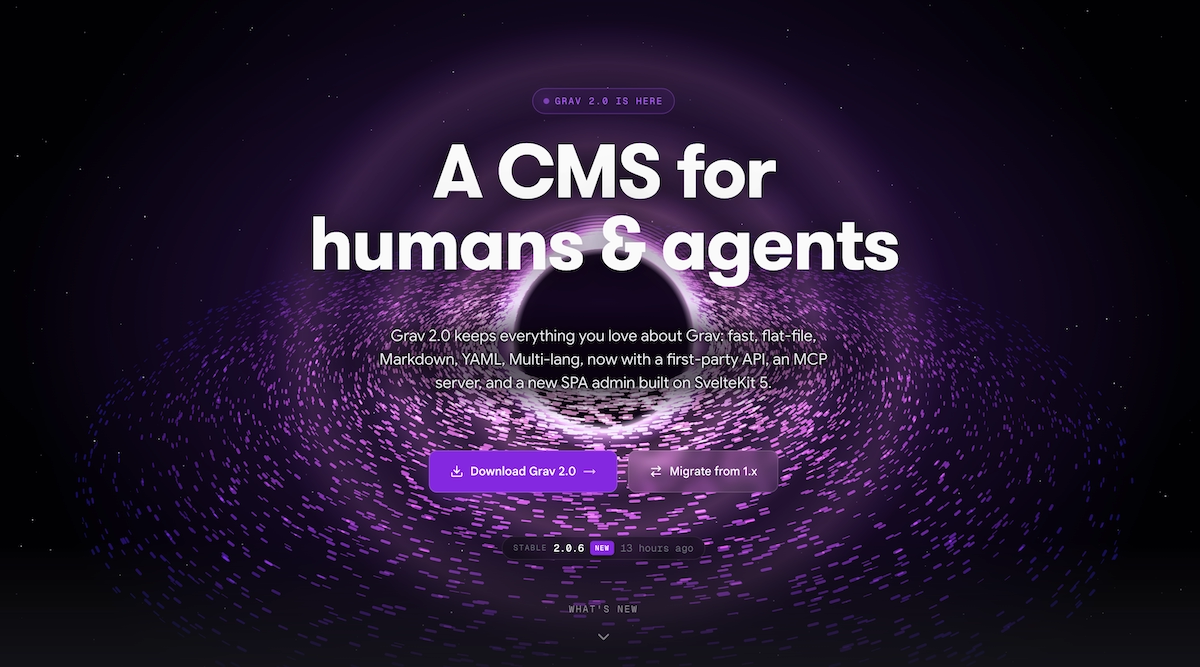 GetGrav Website
The included migrate plugin assists with switching to the new version. Unfortunately, I tried several times to migrate, each time receiving server response errors, even after upgrading to 5.04. I checked file permissions and ensured that all the plugins and my own custom theme were compatible. My solution was to stage a new install with Hostinger and copy the contents of the user folder across. There are still a few discrepancies that I will fix over time.
One welcome addition is the media module, which makes managing all of your media files a breeze. Consumers of AI will appreciate the Grav MCP server. Grav’s automation surface allows developers to scaffold sites, test themes, and drive content workflows. Agencies can scale workflows and content standards across multiple Grav sites, freeing up time for more complex tasks.
For a full rundown of all the new features Grav has to offer. Visit their blog.
JetBrains Plugin Security Issues
A coordinated malware campaign on the JetBrains Marketplace targeted at least 15 IDE plugins, stealing AI provider API keys from nearly 70,000 installations. The plugins, masquerading as AI coding assistants, exfiltrated API keys to a server controlled by the attacker, potentially reselling them or using them for their own purposes. This highlights the vulnerability of IDE plugin ecosystems and the importance of caution when installing plugins and handling sensitive information.
Editor plugin ecosystems, such as JetBrains, are vulnerable to supply chain attacks due to their access to sensitive information and unsandboxed execution. Developers should exercise caution when using plugins and treat them like dependencies, being wary of potential security risks.
Source Aikido
Learning Resources
NestJS provides structure for large teams, unlike Express. This video builds a Hackathon API with Prisma, Better Auth, and Arcjet, showcasing the NestJS execution pipeline.
This Command Line Basics for Beginners course was released on the freeCodeCamp.org YouTube channel. Learn to boost efficiency, unlock advanced tools, and prepare for the industry.
WOW Tool of the Month
If you are looking to build desktop web apps, you can go with Electron, Tauri and Electrobun. Deno Desktop is a cross-platform alternative that converts Deno projects into self-contained desktop applications, bundling code, runtime, and rendering engine. Deno Desktop offers a small, Node-compatible solution for building desktop apps with web stacks. It provides framework auto-detection, in-process bindings, cross-compilation, and built-in auto-update capabilities.
Deno Desktop is ideal for JavaScript/TypeScript codebases, consistent rendering across platforms, and leveraging existing web app code.